
How to Organize Marketing Resources
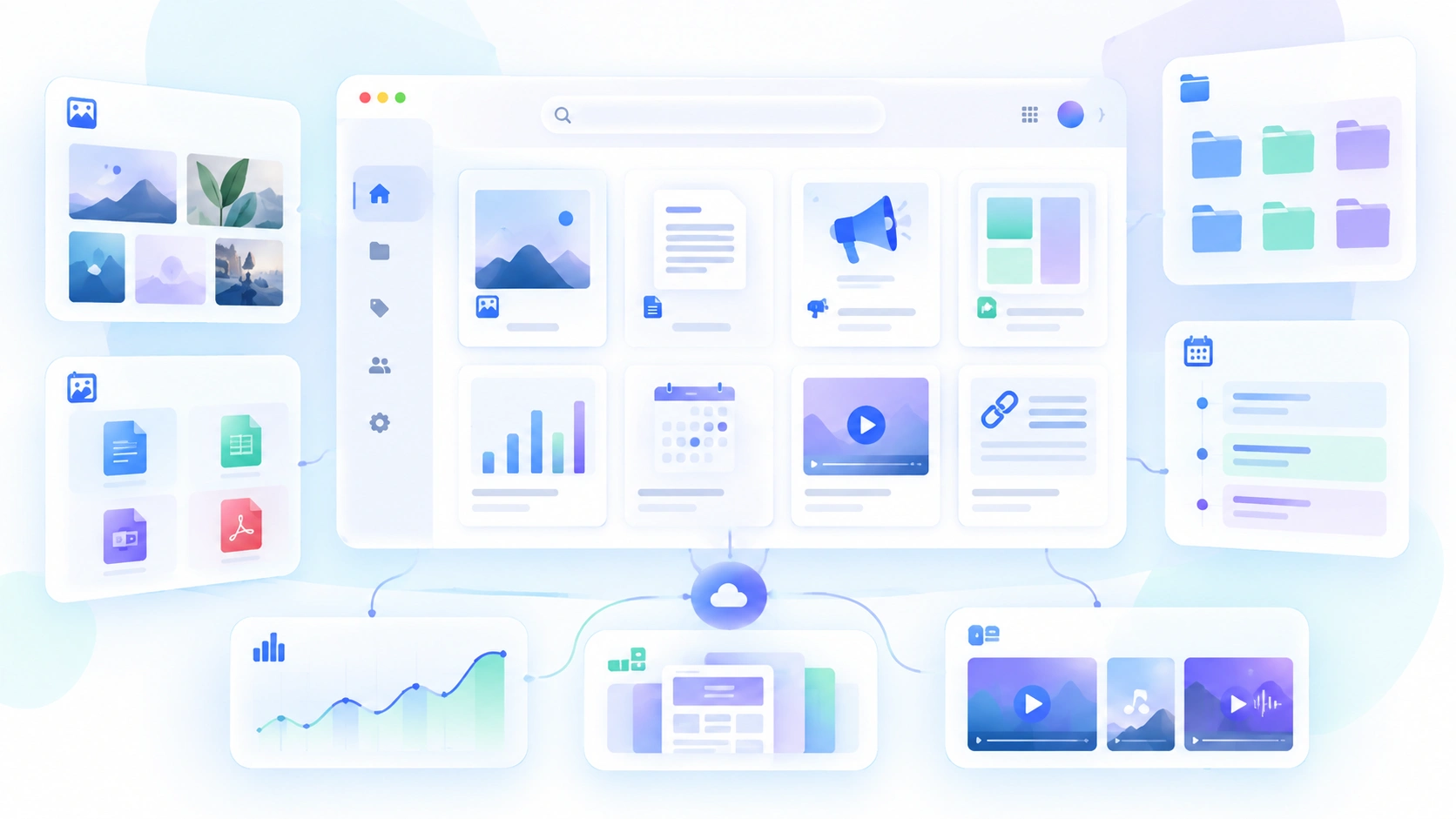
Marketing teams create and use a huge amount of information.
Brand assets, campaign files, social media content, presentations, templates, reports, videos, links, documents, and tools all need to stay accessible.
When those resources are spread across Google Drive, Slack, email, Dropbox, project management tools, and personal folders, finding the right thing can become unnecessarily difficult.
A better system makes marketing work faster, clearer, and easier to scale.
Here’s how to organize marketing resources in a practical way.
1. Start With Clear Categories
The first step is deciding what types of marketing resources your team actually manages.
A simple structure might include:
- Brand assets
- Campaign assets
- Social media content
- Templates
- Documents
- Presentations
- Reports
- Research
- Links
- Digital tools
The goal is not to create as many folders as possible.
It is to create a structure that helps people know where something belongs before they start searching for it.
2. Separate Brand Resources From Campaign Resources
This is especially important.
Some marketing resources are long-term.
Others are temporary.
Brand resources
These may include:
- Logos
- Color palettes
- Typography
- Brand guidelines
- Photography style
- Core templates
Campaign resources
These may include:
- Ad creatives
- Landing page assets
- Social posts
- Email graphics
- Campaign presentations
- Reports
Keeping these separate prevents important brand assets from becoming buried under short-term project files.
3. Use a Consistent Structure
Consistency makes information easier to find.
For an agency, every client could use the same structure:
Client
→ Brand Assets
→ Campaigns
→ Documents
→ Templates
→ Reports
→ Links
→ Tools
For an in-house marketing team, the structure might be:
Marketing
→ Brand
→ Content
→ Campaigns
→ Performance
→ Research
→ Templates
When the structure is predictable, team members spend less time figuring out where things live.
4. Create a Single Source of Truth
One of the biggest problems in marketing teams is duplicate information.
You may have several versions of:
- A logo
- A campaign brief
- A presentation
- A content calendar
- A report
- A brand guideline
Choose one official location for the current version.
Everyone should know:
“This is where we get the approved version.”
Other tools can link to that resource rather than creating more copies.
5. Use Clear File Naming
File names should make sense without opening the file.
Instead of:
final_post_new2.png
try:
client_campaign_instagram_post_01.png
A simple naming system could include:
Client + Campaign + Asset + Version
For example:
acme_summer_launch_email_banner_v2.jpg
Good naming makes files easier to search and understand later.
6. Keep Important Links Organized
Marketing teams rely on more than files.
They also use:
- Websites
- Social channels
- Analytics dashboards
- Advertising platforms
- CMS tools
- Email marketing software
- Design tools
- Research sources
These links often get scattered across bookmarks, spreadsheets, Slack messages, and browser tabs.
Keep important links together with the project, campaign, or brand they belong to.
7. Organize Marketing Tools, Too
Your software stack is part of your marketing resources.
For example:
Client A
→ Figma
→ Meta Ads
→ Google Analytics
→ Mailchimp
→ WordPress
Keeping the tools connected to the client or project gives your team more context.
It also helps new team members understand what systems are being used.
8. Archive Old Campaigns
Completed campaigns should not compete with active work.
Create a clear distinction between:
Active
and
Archived
You still want to keep previous work for reference, but it should not make current resources harder to find.
A simple campaign structure could be:
Campaigns
→ Active
→ Completed
→ Archived
9. Make Frequently Used Resources Easy to Access
Some marketing resources are used almost every day.
These might include:
- Logo files
- Brand guidelines
- Social templates
- Presentation templates
- Reporting dashboards
- Campaign briefs
- Content calendars
Place these somewhere highly visible.
Your team should not have to search through several folders to find the resources they use most often.
10. Review Your Marketing Library Regularly
Even a good system becomes messy if nobody maintains it.
Set aside time every month or quarter to:
- Remove duplicate files
- Archive old campaigns
- Replace outdated brand assets
- Update broken links
- Remove unused resources
- Review access permissions
Digital organization is not a one-time project.
It is an ongoing habit.
Organize Marketing Resources Around the Work
A good marketing resource system should make it easy to answer:
Where are the approved assets?
Where is the latest campaign brief?
Where are the templates?
Which tools does this client use?
Where are the campaign reports?
Where can I find everything related to this brand?
If the answers require checking five different tools, the problem is not a lack of information.
It is a lack of organization.
How Awolan Helps Organize Marketing Resources
Awolan is built for teams and agencies managing client brands.
Instead of keeping marketing assets, documents, links, and digital tools scattered across different places, Awolan gives each client brand a centralized workspace.
Your team can organize:
- Brand assets
- Marketing documents
- Important files
- Links
- Digital tools
- Brand resources
around the client itself.
That gives your team one clear place to start.
Client → Brand → Marketing Resources
Less searching.
Less duplication.
More time spent on the actual marketing work.