
How to Create a Digital Brand Hub
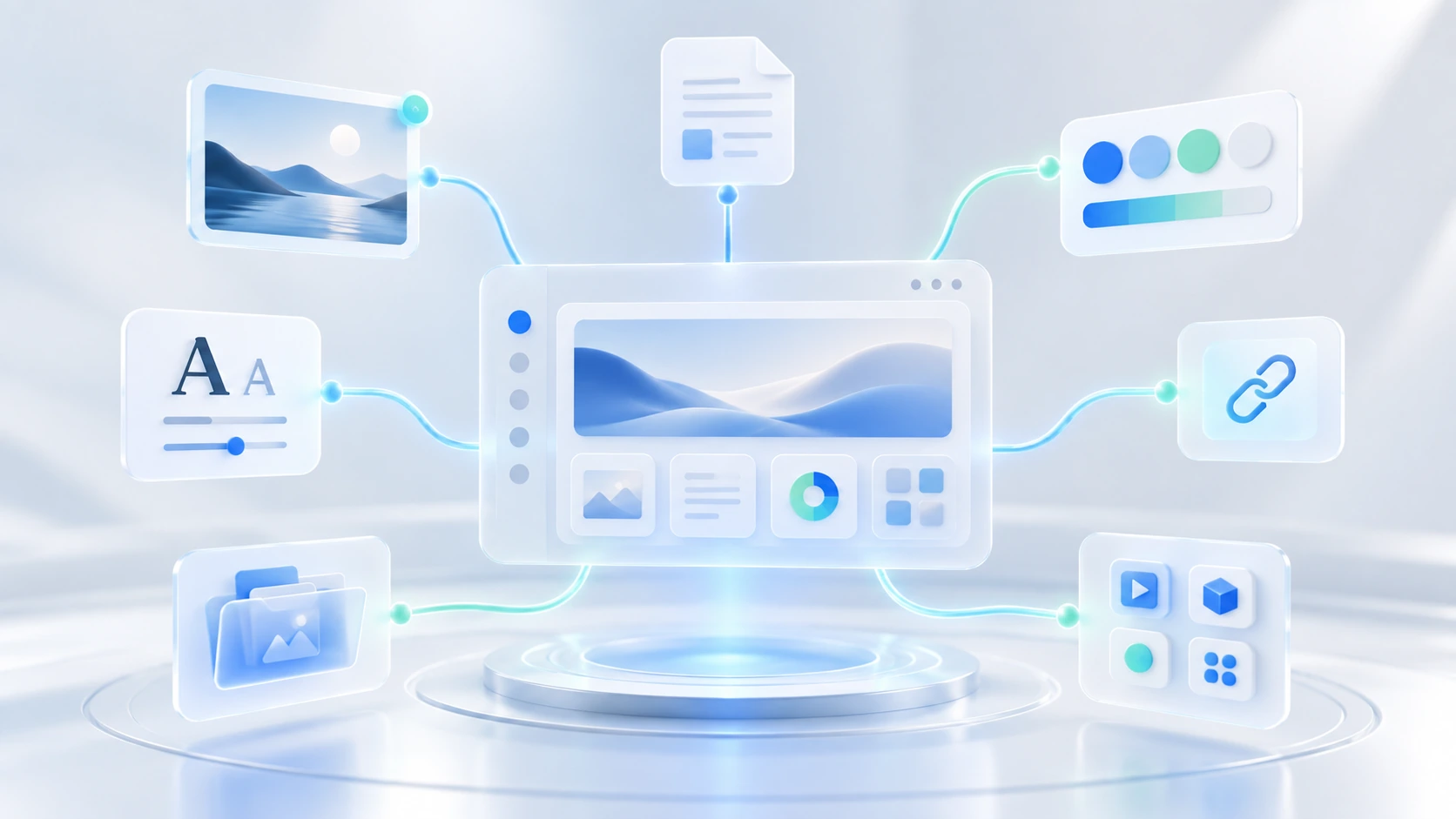
As brands grow, their assets, documents, links, and tools often become scattered across too many places.
Logos live in Google Drive.
Brand guidelines are in a PDF.
Campaign files are in Dropbox.
Design files are in Figma.
Important links are buried in Slack.
And someone always has to ask:
“Where can I find that?”
A digital brand hub solves this by giving your team one organized place to access everything related to a brand.
For agencies managing multiple client brands, a digital brand hub can make everyday work much easier.
What Is a Digital Brand Hub?
A digital brand hub is a centralized space where teams can organize and access important brand resources.
It can include:
-
Logos
-
Brand colors
-
Typography
-
Brand guidelines
-
Images
-
Videos
-
Documents
-
Templates
-
Important links
-
Digital tools
-
Campaign resources
The goal is simple:
Create one clear place where your team can understand the brand and find what they need.
1. Start With the Brand Structure
Before uploading files, decide how the brand hub should be organized.
A simple structure could look like this:
Brand
→ Brand Assets
→ Guidelines
→ Documents
→ Templates
→ Projects
→ Links
→ Tools
The exact structure will depend on your team, but it should be simple enough that anyone can understand it quickly.
2. Add the Core Brand Assets
Start with the assets your team uses most often.
This usually includes:
-
Primary logo
-
Secondary logo
-
Logo variations
-
Brand colors
-
Fonts
-
Icons
-
Photography
-
Illustrations
Make sure only the current, approved versions are easy to access.
Old versions should be archived so people do not use them by mistake.
3. Add Brand Guidelines
Brand guidelines should be one of the most visible parts of your digital brand hub.
They can include:
-
Logo usage
-
Color rules
-
Typography
-
Photography style
-
Illustration style
-
Tone of voice
-
Messaging
-
Layout principles
The easier guidelines are to access, the easier it becomes for everyone to maintain brand consistency.
4. Organize Important Documents
A brand is more than visual assets.
Your team may also need access to:
-
Brand strategy
-
Positioning documents
-
Campaign briefs
-
Presentations
-
Proposals
-
Research
-
Reports
-
Client documents
Keep these connected to the brand instead of spreading them across unrelated folders.
5. Add Important Links
Not every brand resource is a file.
Your team may regularly need links to:
-
Website
-
Social media
-
Analytics dashboards
-
Ad platforms
-
CMS
-
Email marketing tools
-
Design files
-
Project management tools
Keeping these links inside the brand hub reduces unnecessary searching.
6. Add the Digital Tools Used by the Brand
Different brands often use different software.
One client may use Shopify.
Another may use WordPress.
Another may use HubSpot, Mailchimp, Meta Ads, or Google Analytics.
Add those tools to the brand hub so your team can immediately understand the digital ecosystem around the brand.
For example:
Client Brand
→ Figma
→ Google Analytics
→ Meta Ads
→ Mailchimp
→ Shopify
This becomes especially useful for agencies managing many different clients.
7. Use Clear Naming Conventions
Good naming makes your digital brand hub easier to search.
Instead of:
logo-final-new.svg
use:
client-logo-primary.svg
Instead of:
presentation2-final.pdf
use:
client-sales-presentation-2026.pdf
The exact naming system is less important than using it consistently.
8. Create a Single Source of Truth
Your digital brand hub should become the place your team trusts.
If the team has to wonder whether the latest asset is in Drive, Slack, or the brand hub, the system is not working.
Choose one clear source of truth for approved brand information.
Other tools can link back to it.
The goal is to reduce duplication and confusion.
9. Make It Easy for the Team to Access
A brand hub only works if people actually use it.
Designers, marketers, account managers, freelancers, and other collaborators should be able to access the resources they need without depending on one person.
Think about permissions carefully.
Some people may need editing access.
Others may only need viewing access.
The easier the hub is to use, the more useful it becomes.
10. Keep It Updated
A digital brand hub is not something you build once and forget.
Brands change.
New campaigns launch.
Assets are updated.
Old files become irrelevant.
Tools change.
Review the hub regularly and:
-
Replace outdated assets
-
Archive old files
-
Remove broken links
-
Update documents
-
Review permissions
-
Keep frequently used resources visible
A clean brand hub is much more valuable than a large one.
Why Digital Brand Hubs Are Useful for Agencies
Agencies often manage multiple client brands at the same time.
Without a structured system, every client can end up organized differently.
One client is in Drive.
Another is in Dropbox.
Another has important files in email.
Another has links stored in Slack.
A digital brand hub gives every client a consistent structure.
For example:
Client A
→ Assets
→ Guidelines
→ Documents
→ Links
→ Tools
Client B
→ Assets
→ Guidelines
→ Documents
→ Links
→ Tools
Client C
→ Assets
→ Guidelines
→ Documents
→ Links
→ Tools
Once the team understands the structure, moving between client brands becomes much easier.
Digital Brand Hub vs Cloud Storage
Cloud storage is useful for keeping files.
A digital brand hub adds context around those files.
Instead of only seeing folders, your team can understand:
-
Which assets are approved
-
What guidelines apply
-
Which tools the brand uses
-
Where important documents live
-
Which links are relevant
-
How the brand is organized
That makes a brand hub more useful for day-to-day brand management.
How Awolan Helps
Awolan is built for teams and agencies managing multiple client brands.
It gives each brand a centralized workspace for:
-
Brand assets
-
Documents
-
Files
-
Links
-
Digital tools
-
Brand information
Instead of managing every client through a different combination of folders, spreadsheets, bookmarks, and messages, your team can start with the brand itself.
Client → Brand → Resources
That makes it easier to find information, maintain consistency, onboard team members, and manage multiple brands as your agency grows.
Start Simple
You do not need to organize everything in one day.
Start with the resources your team uses most.
Add the current logo.
Add the brand guidelines.
Add important documents.
Add frequently used links.
Add the main digital tools.
Then improve the system over time.
A useful digital brand hub is not the one with the most information.
It is the one that helps your team find the right information quickly.
Every client. Every brand. One place.