
Brand Hub vs Digital Asset Management Platform: What's the Difference?
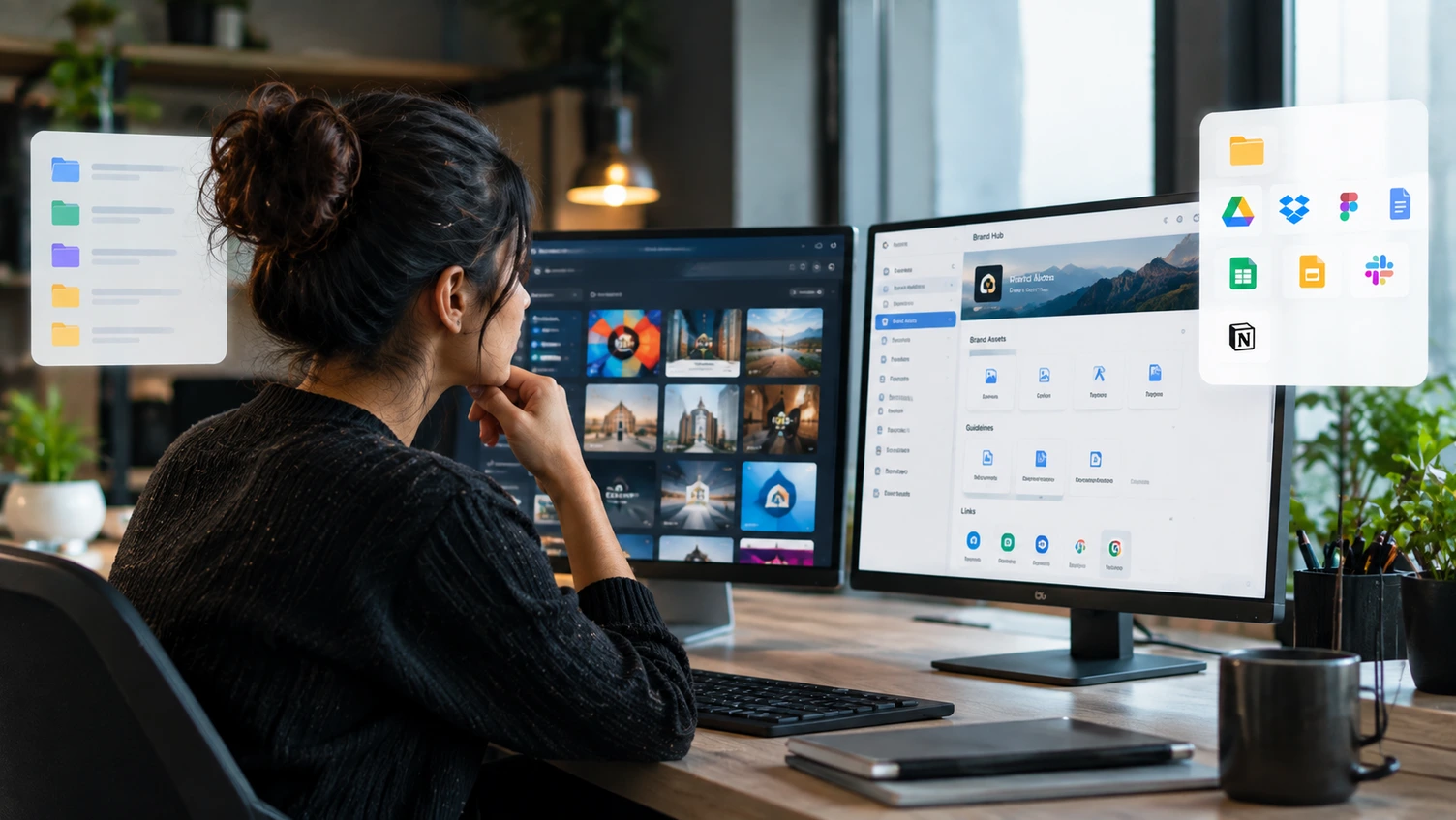
For agencies and teams managing multiple client brands, keeping brand information organized can become complicated quickly.
A client may have hundreds of images, videos, logos, documents, templates, guidelines, links, and digital tools spread across different platforms.
This raises an important question:
Do you need a Brand Hub or a Digital Asset Management (DAM) platform?
Although the two can overlap, they are designed around different needs.
A DAM platform focuses primarily on managing digital assets. A Brand Hub takes a broader, brand-centered approach by bringing assets together with the other information and resources a team needs to manage a brand.
Let's look at the difference.
What Is a Digital Asset Management Platform?
A Digital Asset Management platform, commonly called a DAM, is software designed to organize, store, find, manage, and distribute digital assets.
Digital assets can include:
-
Images
-
Videos
-
Audio
-
Documents
-
Creative files
-
Presentations
-
Marketing content
Adobe describes DAM as a structured approach to organizing, storing, and retrieving digital assets throughout their lifecycle. Modern DAM platforms can also include metadata, search, workflows, permissions, distribution, and asset performance capabilities.
Platforms such as Adobe Experience Manager Assets and Bynder are examples of dedicated DAM solutions. Bynder, for example, uses tagging and filtering to help organizations find and manage large numbers of digital assets.
A DAM is particularly useful when an organization has a large and complex digital asset library.
What Is a Brand Hub?
A Brand Hub is a centralized workspace organized around a brand rather than only around files.
It can contain brand assets, but it can also bring together the other resources people need when working with that brand.
For example:
Client Brand
→ Logos
→ Colors
→ Typography
→ Brand Guidelines
→ Documents
→ Campaign Resources
→ Important Links
→ Digital Tools
The idea is to make the brand itself the starting point.
Instead of asking:
“Where is this file?”
the team can start with:
“Which client brand am I working on?”
This distinction is especially useful for agencies managing many different clients.
Brand Hub vs DAM: The Main Difference
The simplest way to understand the difference is:
DAM = Manage digital assets.
Brand Hub = Manage the brand environment around those assets.
A DAM may help you find the correct campaign image.
A Brand Hub can help you find the campaign image along with the brand guidelines, client documents, relevant links, tools, and other resources connected to that client.
The two aren't necessarily competitors.
A Brand Hub can complement a DAM by acting as a central layer around the broader brand experience.
A Simple Comparison
Brand Hub
DAM Platform
Main focus
Brand and client organization
Digital asset management
Logos & images
✅
✅
Brand guidelines
✅
✅
Documents
✅
✅
Important links
✅
Usually limited
Digital tools
✅
Usually limited
Client brand context
✅
Not usually the main focus
Advanced asset metadata
Basic to moderate
✅
Large-scale asset libraries
Suitable
✅
Asset workflows
Basic
✅
Asset distribution
Basic
✅
Asset lifecycle management
Basic
✅
The exact capabilities vary significantly between platforms, but the distinction is useful when deciding what your organization actually needs.
When Should an Agency Use a DAM?
A DAM can be the better choice when your agency or organization manages a very large volume of media.
For example, a global organization may have:
100,000+ images
Thousands of videos
Multiple file formats
Complex metadata
Approval workflows
Usage rights
Distribution requirements
Different teams and markets
In this situation, advanced DAM capabilities can become extremely valuable.
DAM platforms are designed to support structured asset organization, search, workflows, sharing, distribution, and other processes around large digital libraries.
When Is a Brand Hub More Useful?
A Brand Hub can be more appropriate when the main challenge isn't simply managing a huge asset library.
Instead, the challenge is:
“How do we organize everything we need to manage this client brand?”
Consider a marketing agency with 15 clients.
For each client, the team may need access to:
-
Brand assets
-
Brand guidelines
-
Documents
-
Presentations
-
Client websites
-
Social media accounts
-
Advertising platforms
-
Analytics tools
-
Important resources
-
Campaign information
The agency isn't only managing files.
It is managing 15 different brand ecosystems.
This is where a brand-centered workspace can make more sense.
Why Agencies Need More Than File Storage
Agency work is different from simply maintaining a company's media library.
An agency may switch between multiple clients every day.
One hour, the team is working on a restaurant brand.
The next, they're working on a technology company.
Then a fashion brand.
Each client has a completely different identity and collection of resources.
A useful system should make that transition easy.
Instead of navigating through unrelated folders and platforms, the team can go:
Clients → Client → Brand → Resources
That provides a much clearer workflow.
Brand Hub vs Google Drive
There is another important comparison.
Many agencies already use Google Drive, Dropbox, or similar cloud storage.
These platforms are excellent for storing files.
But file storage and brand management aren't the same thing.
A folder structure might look like:
Clients
→ Client A
→ Client B
→ Client C
A Brand Hub can instead organize the experience around:
Client A
Brand Assets
Guidelines
Documents
Links
Tools
The difference is context.
The goal isn't necessarily to replace existing storage platforms.
It is to make the client's brand easier to navigate.
Do You Need a Brand Hub or a DAM?
Ask yourself a simple question:
Is your biggest problem managing thousands of digital assets?
A DAM may be the better fit.
Is your biggest problem managing multiple client brands and keeping all their resources organized?
A Brand Hub may be the better fit.
Do you have both problems?
You may benefit from using both.
A DAM can handle the heavy-duty asset management, while a Brand Hub can provide a central place for teams to access the broader client-brand ecosystem.
Where Awolan Fits
Awolan is built specifically around the client brand.
It gives teams and agencies a dedicated workspace for each brand they manage, bringing together brand assets, documents, files, links, and digital tools in one place.
That means an agency doesn't have to think of a client as simply a folder full of files.
Instead:
Client → Brand → Assets + Documents + Links + Tools
The goal is to make every client brand easier to access, understand, and manage.
Awolan isn't trying to be an enterprise DAM with complex asset lifecycle management.
It's focused on a different problem:
Helping teams and agencies manage the complete digital environment around the client brands they work with.
The Right Tool Depends on the Problem
A DAM is a powerful solution for managing digital assets at scale.
A Brand Hub is a broader way to organize the resources surrounding a brand.
For large enterprises with massive media libraries, advanced DAM capabilities may be essential.
For agencies managing multiple client brands, a brand-centered workspace can provide something different: a clear home for everything related to each client.
And sometimes, the most important question isn't:
“Where is the file?”
It's:
“Where is everything related to this brand?”
That's the problem a Brand Hub is designed to solve.
Manage Every Client's Brand in One Place
Awolan gives teams and agencies one organized workspace for the assets, documents, links, and digital tools behind every client brand.
Every client. Every brand. One place.